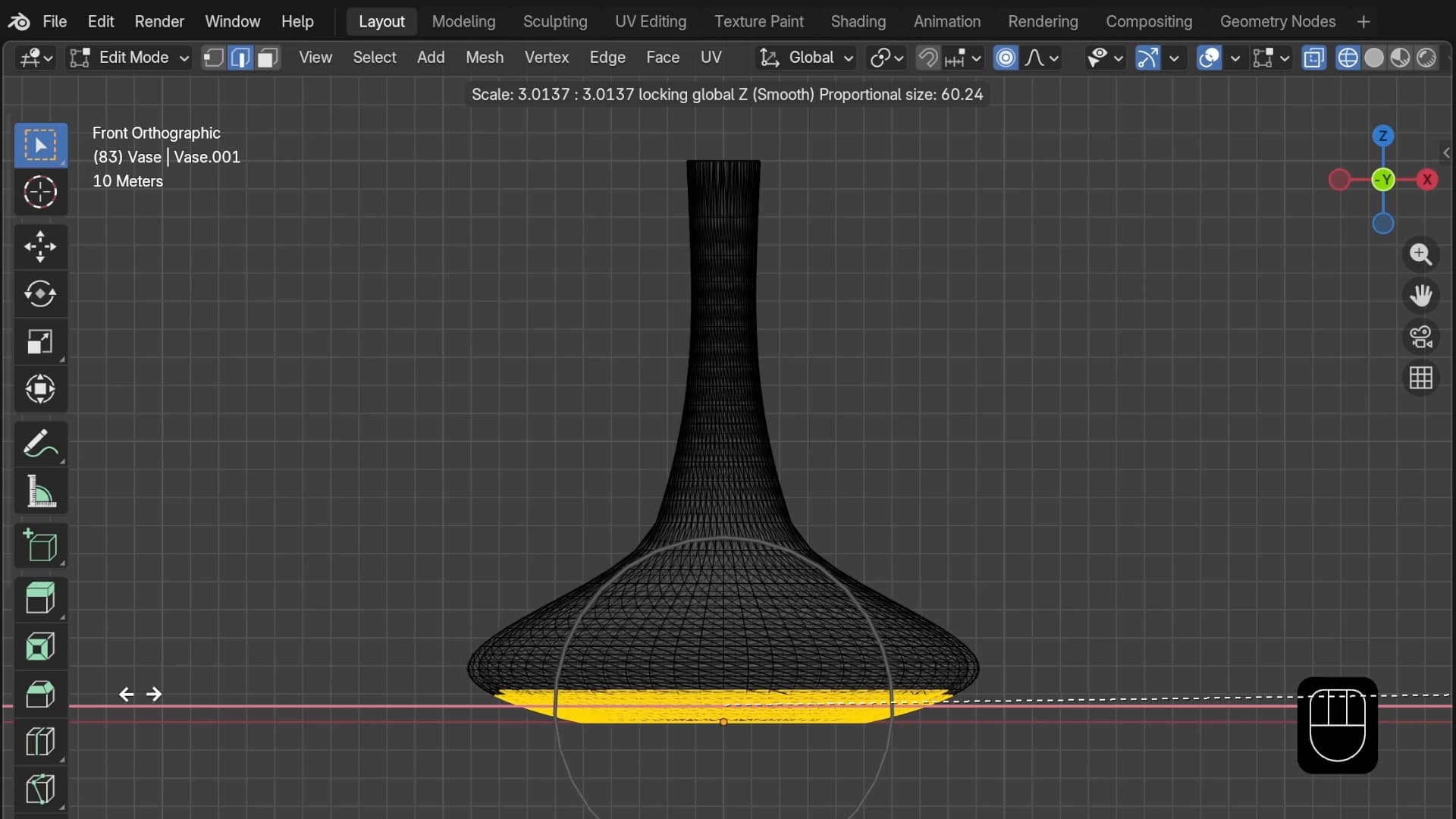
Prusa published a five-minute guide to editing STL files directly in Blender, targeting 3D printer users who need quick mesh edits mid-project, not a full CAD education.
Blender is free, open source, and notoriously hostile to exploratory clicking. Most tutorials assume you are building models from zero. This one skips that entirely, focusing only on importing and modifying existing geometry. That narrow scope is exactly what makes it useful. FreeCAD can import STLs, but treating mesh files as parametric solids is a documented pain point with no clean solution.
Read the original guide for the specific Blender workflow steps, which are the part most tutorials bury or skip. The argument that Blender's underlying functions are simple once you know the entry point is worth verifying yourself.
[READ ORIGINAL →]