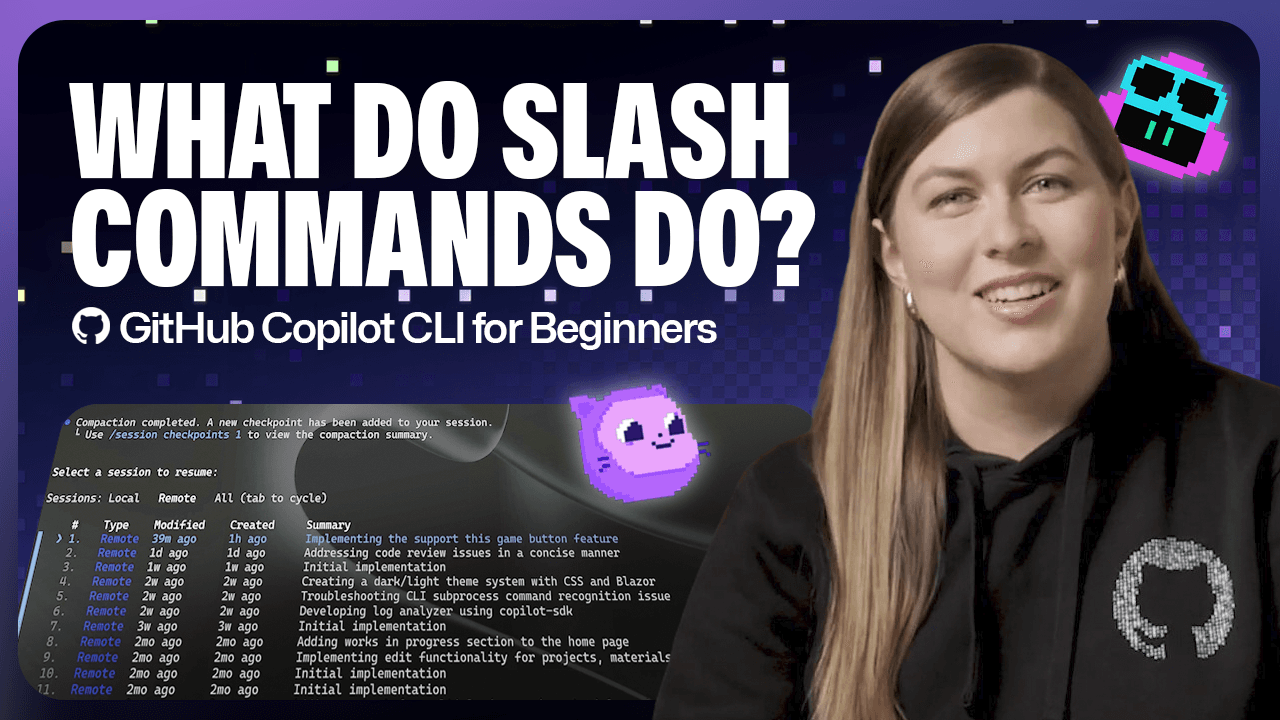
GitHub Copilot CLI exposes a set of slash commands that function as direct controls over model behavior, session state, and file permissions, all without leaving the terminal. Type /model to switch between available models, each listed with a cost multiplier so you can balance performance against your plan's limits. Type /context to see token usage in real time, /compact to summarize and compress the current session when you're running low, or /clear to wipe it entirely.
The commands worth reading about in detail are the ones that change how Copilot scopes its work. /cwd switches your working directory mid-session so Copilot operates against a different repository without an exit and restart. /diff surfaces exactly what changed during the session before you commit. /reset-allowed-tools revokes file-edit permissions you previously granted, which matters when you move into a codebase you want to treat more carefully. /resume pulls up a list of past local and remote sessions for direct continuation.
The full article walks through each command with specific use cases, not just definitions. If you work across multiple repositories in a single day or regularly hit context limits mid-task, the /compact and /cwd sections alone justify the read. Type / in the CLI to see the complete scrollable list of supported commands beyond what this piece covers.
[READ ORIGINAL →]