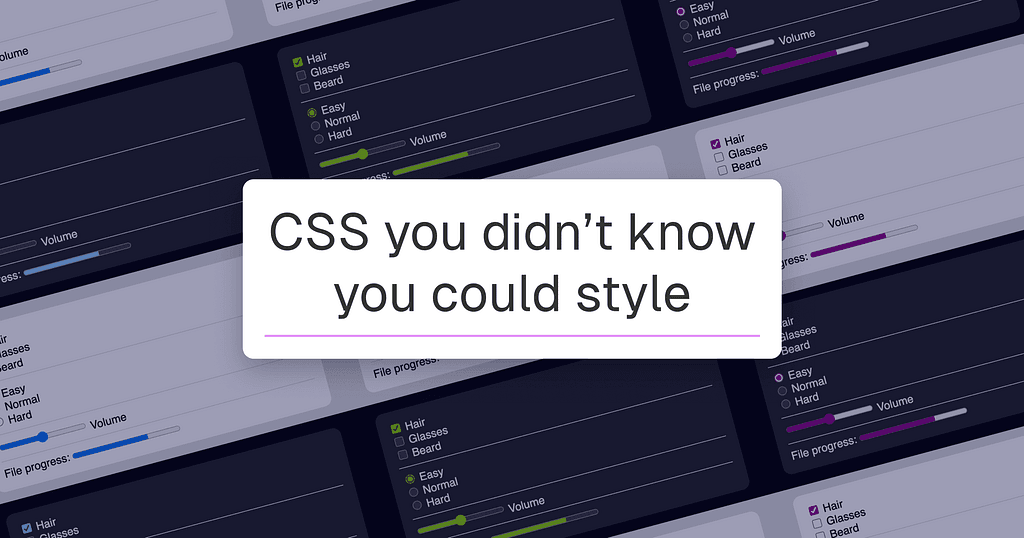
Modern CSS can style four browser elements most developers assume are untouchable: text selection highlights, input carets, scrollbars, and native form controls. These are not hacks or workarounds. They are shipping CSS properties with MDN documentation and live browser support.
The mechanics matter here. The `::selection` pseudo-element accepts `color`, `background-color`, `text-shadow`, and `text-decoration`, scoped to any selector. The `caret-color` and `caret-shape` properties let you swap the default bar cursor for a block or underscore, per element. `scrollbar-color` requires exactly 2 values: thumb color first, track color second. Pass `transparent` as the second value to suppress the track entirely. `accent-color` reskins checkboxes, radio buttons, range inputs, and progress bars in a single declaration, while preserving browser-level accessibility contrast adjustments.
The scrollbar section is where the original earns a full read. Cross-platform inconsistencies are real, the author flags them directly, and `scrollbar-width: none` hiding the bar while keeping the element scrollable is a pattern already live on production sites. Each section ships with a CodePen demo and links to the relevant MDN spec. Read it for the gotchas, not just the syntax.
[READ ORIGINAL →]